Feature Summary
Basic Settings are used to configure the questions in a poll form, including setting questions as required, hiding them from voters, making them read-only for voters, setting question numbering, and auto-filling the last submitted content.
Feature Description
| Feature Dimension | Description |
|---|---|
| Membership Restriction | No membership restriction |
| Version Restriction | No version restriction |
Operation Steps
Set a Question as Required
Feature Entry
Question → 「Basic Settings」 → 「This question is required」 toggle
- Click the question you want to configure
- In the 「Basic Settings」 panel on the right, turn on the 「This question is required」 toggle
[Screenshot placeholder]
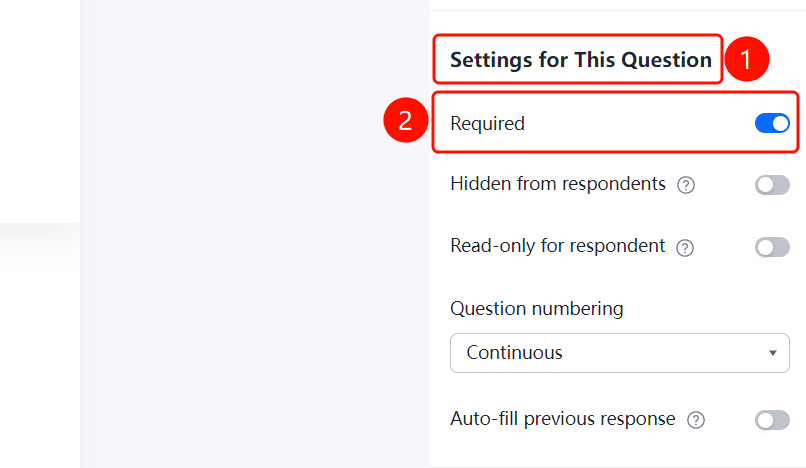
Set a Question to be Hidden from Voters
Feature Entry
Question → 「Basic Settings」 → 「Hide this question from respondents」 toggle
- Click the question you want to configure
- In the 「Basic Settings」 panel on the right, turn on the 「Hide this question from respondents」 toggle
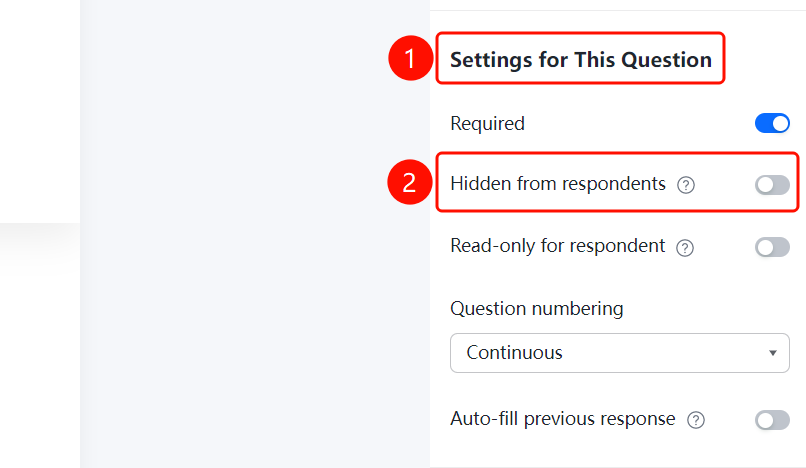
Set a Question as Read-Only for Voters
Feature Entry
Question → 「Basic Settings」 → 「This question is read-only for respondents」 toggle
- Click the question you want to configure
- In the 「Basic Settings」 panel on the right, turn on the 「This question is read-only for respondents」 toggle
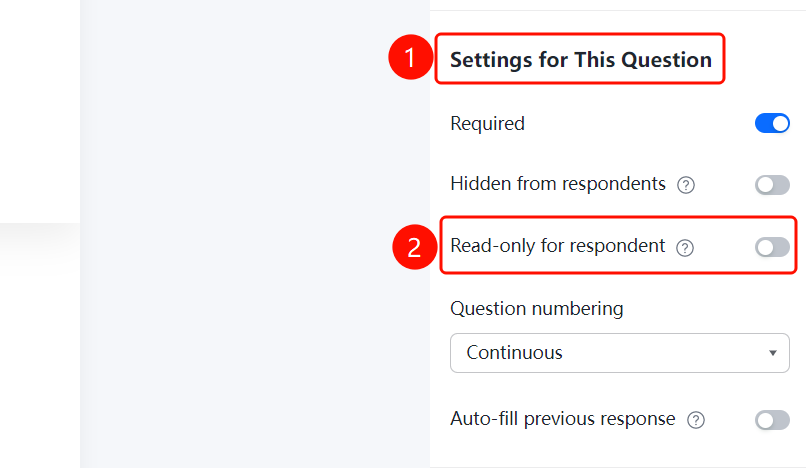
Set Question Numbering
Feature Entry
Question → 「Basic Settings」 → 「Question numbering settings」 option
- Click the question you want to configure
- In the 「Basic Settings」 panel on the right, click the 「Question numbering settings」 option
- Select: Continuous numbering / Start numbering from 1 / Do not display numbering
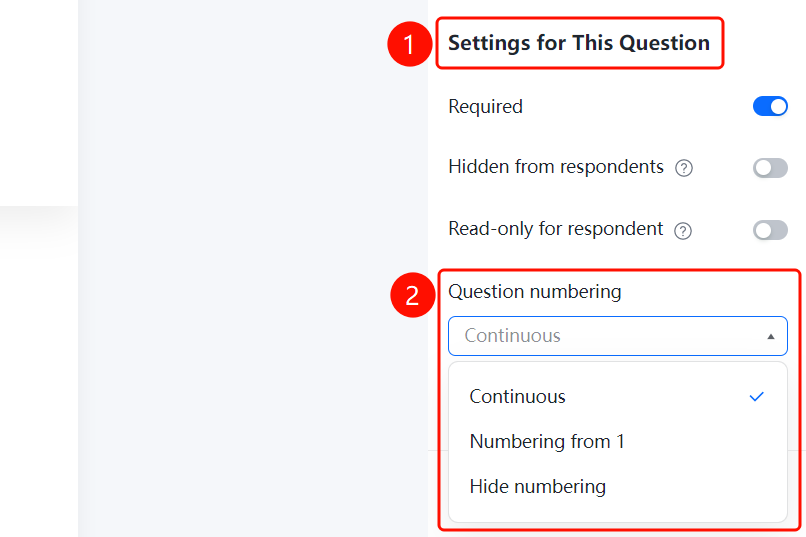
Auto-fill Last Submitted Content
Feature Entry
Question → 「Basic Settings」 → 「Auto-fill last submitted content」 toggle
- Click the question you want to configure
- In the 「Basic Settings」 panel on the right, turn on the 「Auto-fill last submitted content」 toggle
FAQ
Q1: How do I set a question as required?
- Solution: Click the question, then turn on the 「This question is required」 toggle in the 「Basic Settings」 panel.
Q2: What is the use of auto-filling the last submitted content?
- Solution: When enabled, the system will automatically fill in the content the voter submitted last time when they fill out the form again, reducing repetitive input.
Q3: How do I hide a question so voters cannot see it?
- Solution: Click the question, then turn on the 「Hide this question from respondents」 toggle in the 「Basic Settings」 panel.
Notes
- The options in Basic Settings apply to all question types
- Auto-filling the last submitted content is suitable for scenarios where the same content needs to be filled in multiple times