Feature Summary
PC Forms supports the publish and share feature, allowing you to publish a form and share it with others to fill out.
Feature Description
| Feature Dimension | Description |
|---|---|
| Membership Restriction | No membership restriction |
| Version Restriction | No version restriction |
Steps
Publish and Share a Form
Feature Entry
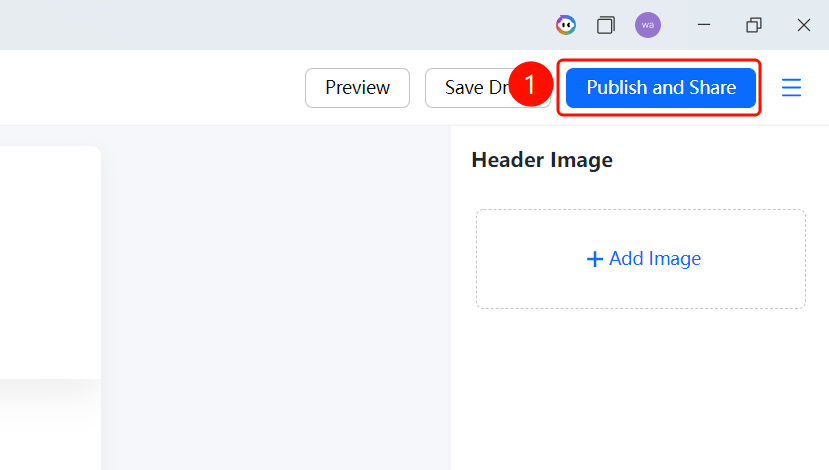
Forms editing page → "Publish & Share" button
- After finishing editing the form
- Click the "Publish & Share" button in the upper right corner
- The system will automatically publish the form and generate a share link
- You can share it with others to fill out through multiple methods
FAQ
Q1: What is the purpose of Publish & Share?
- Solution: After publishing the form, others can fill it out via the link.
Q2: Can I modify the form after publishing?
- Solution: Yes, you can continue editing the form after publishing, and changes will take effect in real time.
Q3: How do I stop collecting data?
- Solution: You can disable the collection feature in the form settings to stop receiving new submissions.
Notes
- It is recommended to preview the form before publishing
- Pay attention to privacy settings when sharing the link