Feature Summary
WPS Docs supports the print preview feature, allowing you to preview the document's print layout before printing.
Feature Details
| Feature Dimension | Description |
|---|---|
| Premium Restrictions | None |
| Version Restrictions | None |
Steps
Open Print Preview via Menu Bar
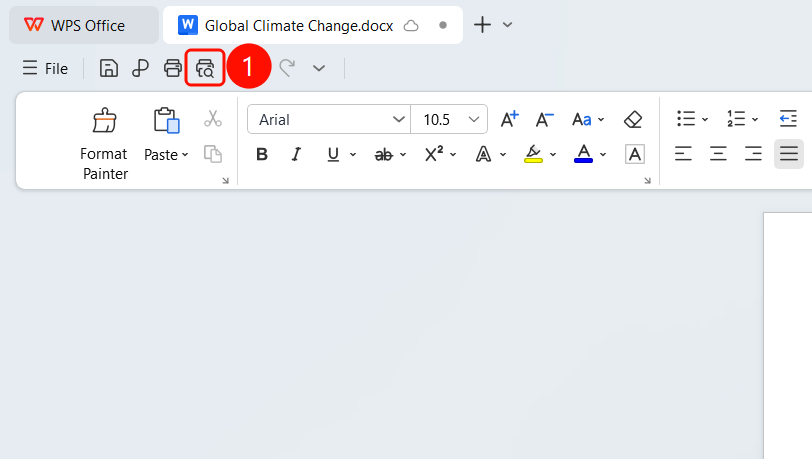
Feature Entry
Top menu bar > Print button
Click the Print button in the top menu bar.
The system automatically enters print preview mode.
In the preview interface, you can view:
- The document's print layout
- Page numbers
- Page layout
You can turn pages to view the print layout of each page.
FAQ
Q1: What is the purpose of print preview?
- Solution: Previewing before printing allows you to check the document formatting and page layout, helping to avoid printing errors.
Q2: Is the print preview exactly the same as the actual printed output?
- Solution: The preview is basically consistent with the actual printed output, but may vary slightly due to printer differences.
Q3: How do I adjust settings in print preview?
- Solution: You can adjust print settings, such as the number of copies and print method, directly in the print preview interface.