Feature Summary
Reading mode provides an immersive reading experience, preventing accidental operations on the spreadsheet while reading.
Feature Description
| Feature Dimension | Description |
|---|---|
| Membership Restriction | No membership restriction |
| Version Restriction | No version restriction |
Steps
Enable/Disable Reading Mode
Feature Entry
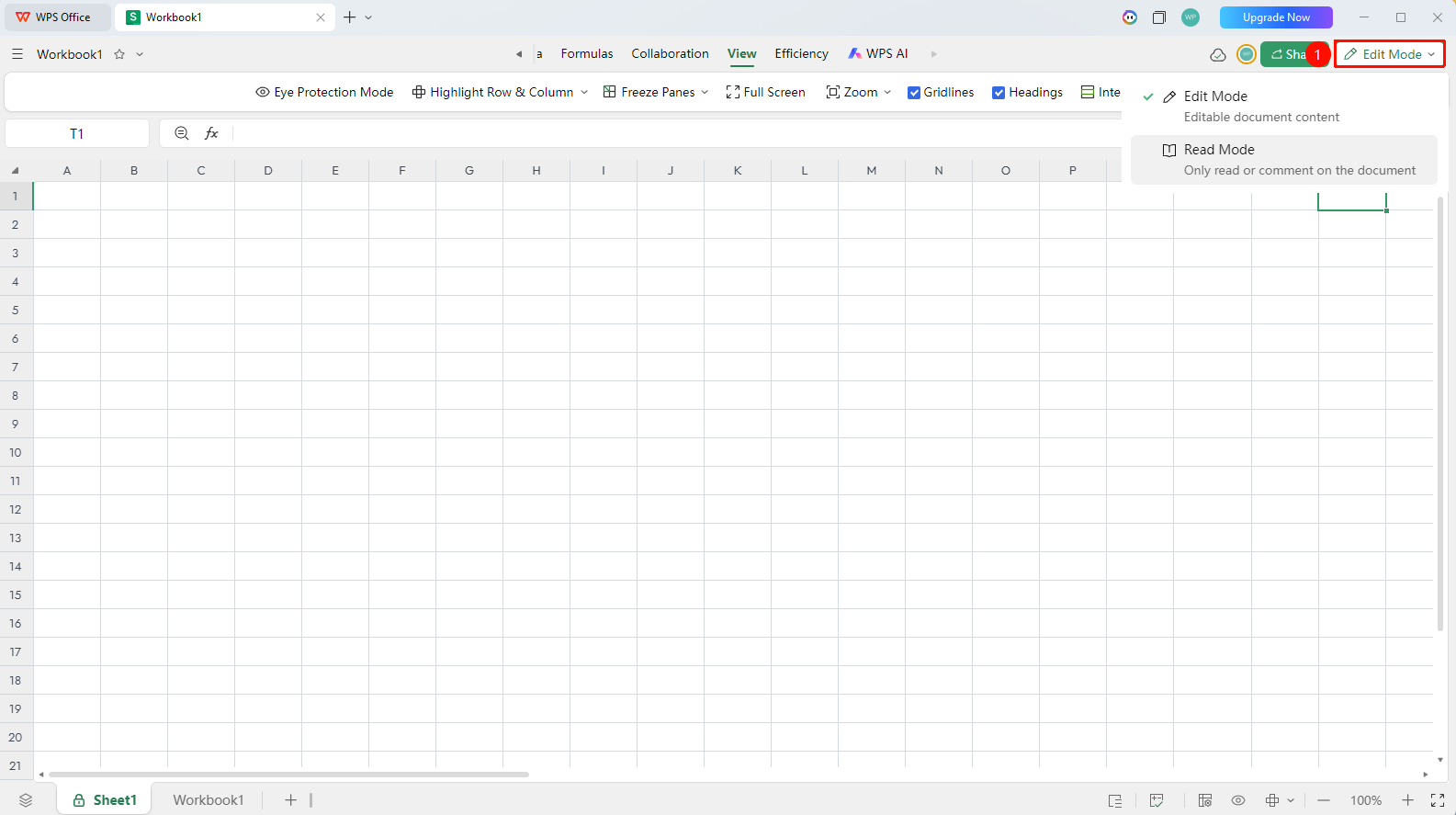
"Edit Mode" / "Reading Mode" at the top of the page
- After opening a collaborative spreadsheet, click the "Edit Mode" dropdown menu in the upper right corner
- Find and click the "Reading Mode" button
- You will enter reading mode and will be unable to operate the spreadsheet content
- Click again to switch back to "Edit Mode" to exit reading mode