Feature Summary
The icon feature is used to display special icon symbols in spreadsheets, beautifying the sheet and enhancing its visual appeal.
Feature Description
| Feature Dimension | Description |
|---|---|
| Membership Restriction | No membership restriction |
| Version Restriction | No version restriction |
Operation Steps
Inserting an Icon
Feature Entry
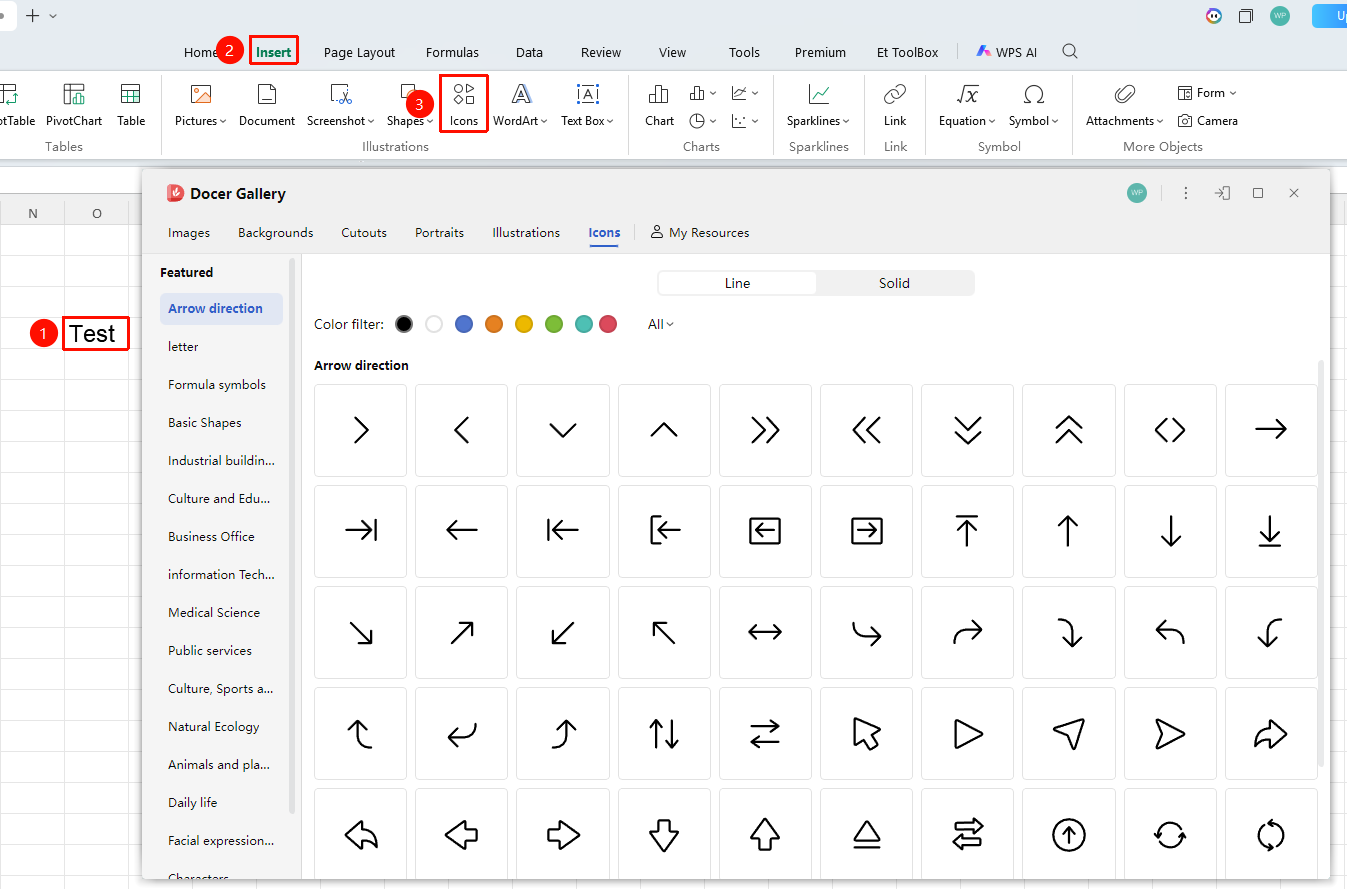
"Insert" tab → "Icon" button
- Navigate to the target cell where you want to insert the icon.
- Click the "Icon" button in the Insert tab.
- Select an icon style in the pop-up window.
- Click OK to complete the insertion.