Feature Summary
The WPS Art Position feature is used to adjust the position of WPS Art graphics on a slide. You can do this by manually dragging or by precisely setting coordinates in the object properties.
Feature Description
| Feature Dimension | Description |
|---|---|
| Membership Restriction | No membership restriction |
| Version Restriction | No version restriction |
Operation Steps
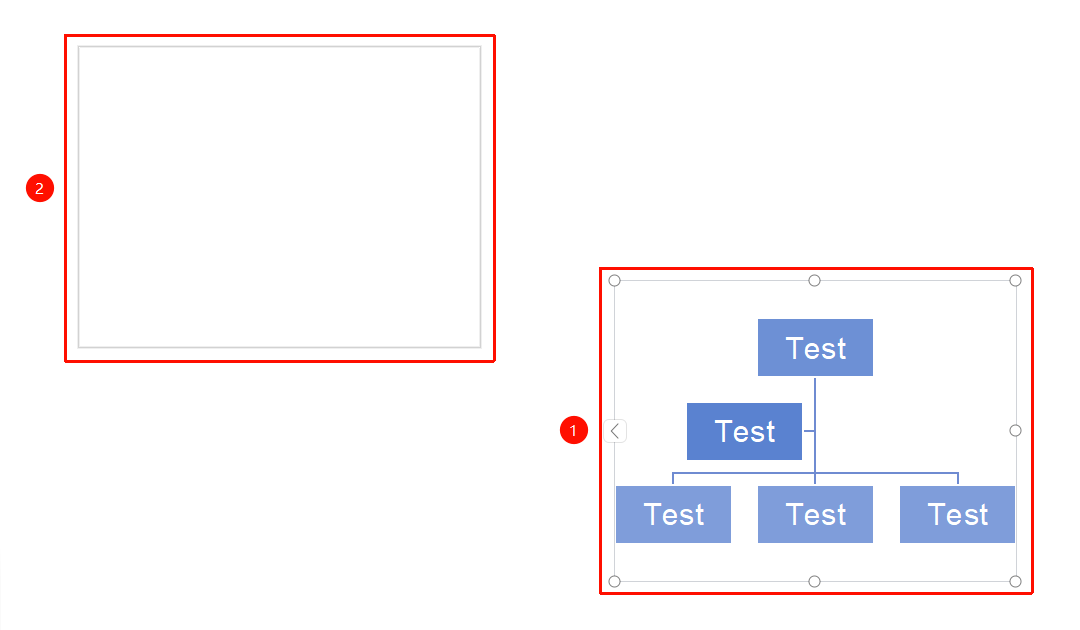
Manually Drag to Adjust Position
- Select the WPS Art graphic
- Hold down the left mouse button and drag the graphic to the target position
- Release the mouse to complete the position adjustment
Precisely Set Position
Feature Entry
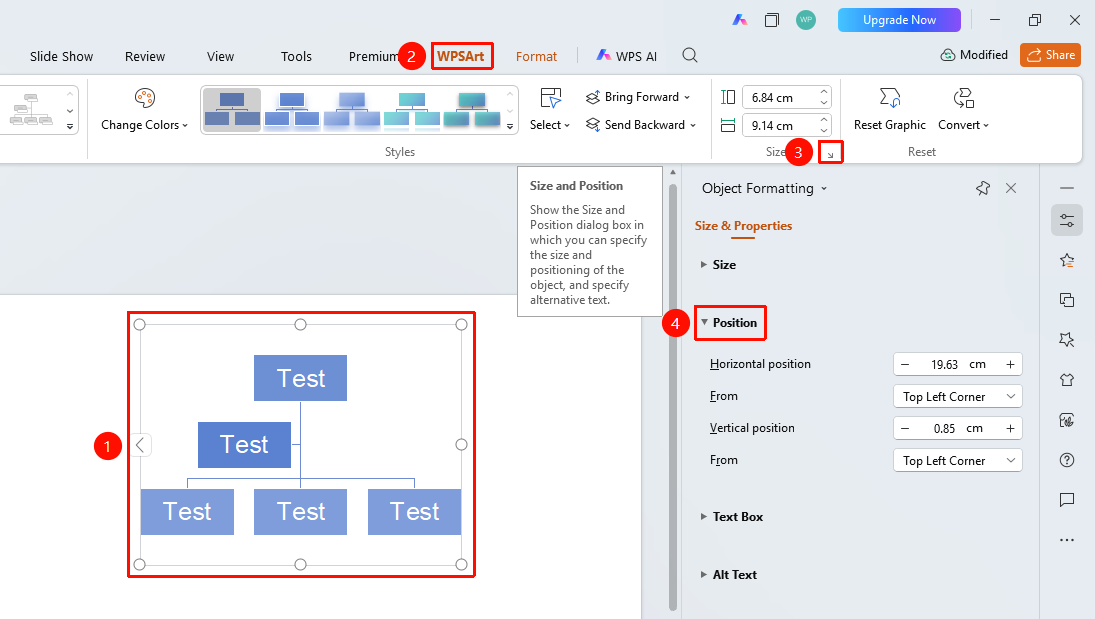
"Design" tab → Size area → Expand button → "Object Properties" → "Size & Properties" → "Position"
- Select the WPS Art graphic
- Click the "Design" tab
- Locate the Size area, click the expand button to open the "Object Properties" sidebar on the right
- Under the "Size & Properties" tab, find the "Position" area
- Enter the values for horizontal position and vertical position
- In the "Relative to" position option reference point: "Top Left Corner" / "Center"
Frequently Asked Questions
Question 1: How to center WPS Art on a slide
- Solution: Use the "Home" tab → Arrange → Align → "Horizontal Center" and "Vertical Center" to quickly center it.
Notes
- Manual dragging is suitable for quick adjustments, while object properties are suitable for precise positioning
- You can combine it with the alignment feature for quick positioning