Feature Summary
Supports searching for users, groups, messages, documents, and chat history within the WPS Collaboration software.
Feature Description
| Feature Dimension | Description |
|---|---|
| Membership Restriction | No membership restriction |
| Version Restriction | No version restriction |
Operation Steps
Using Global Search
Feature Entry
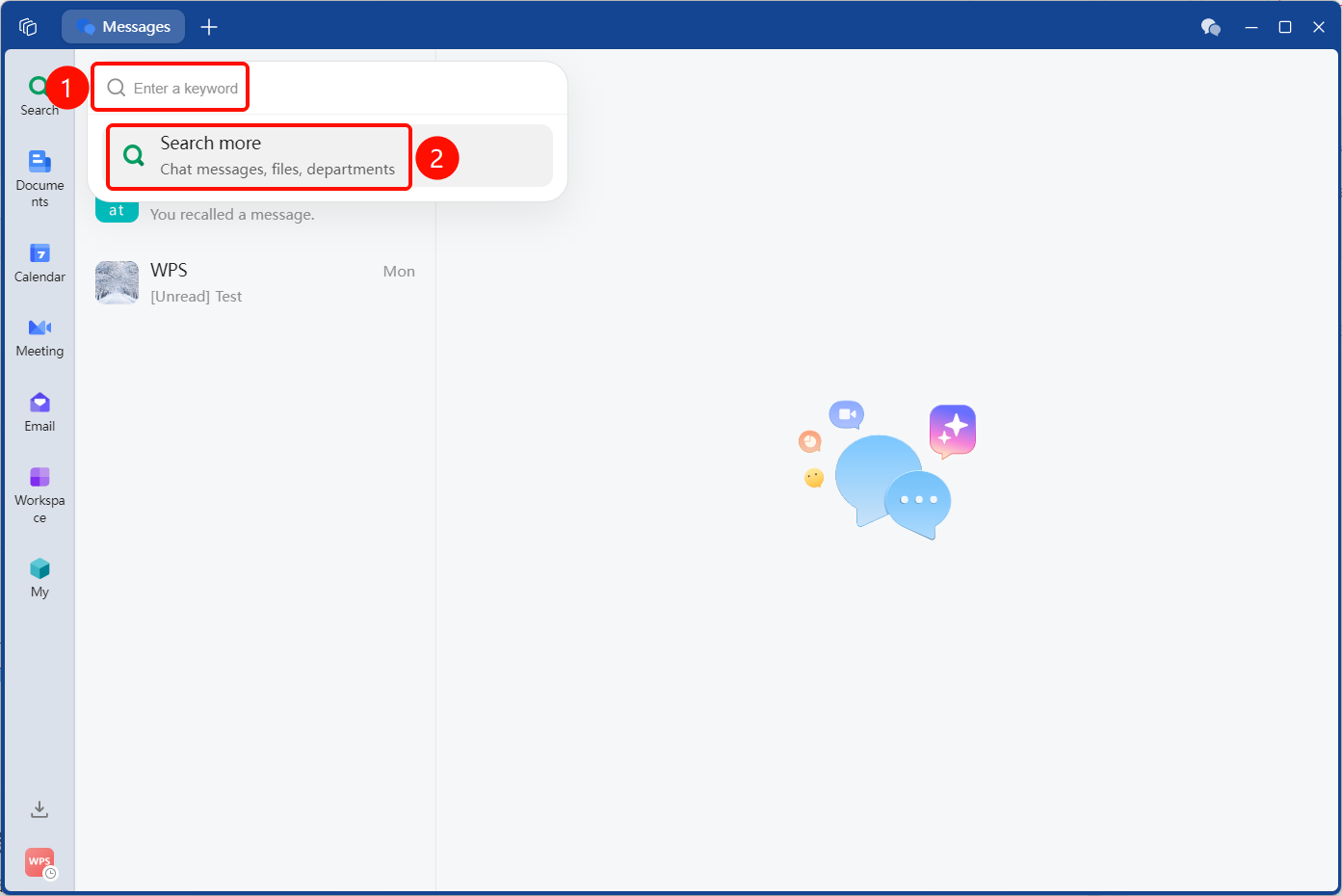
「Top Global Search Bar」 input box → 「Search More」 option
- Click the search bar at the top left
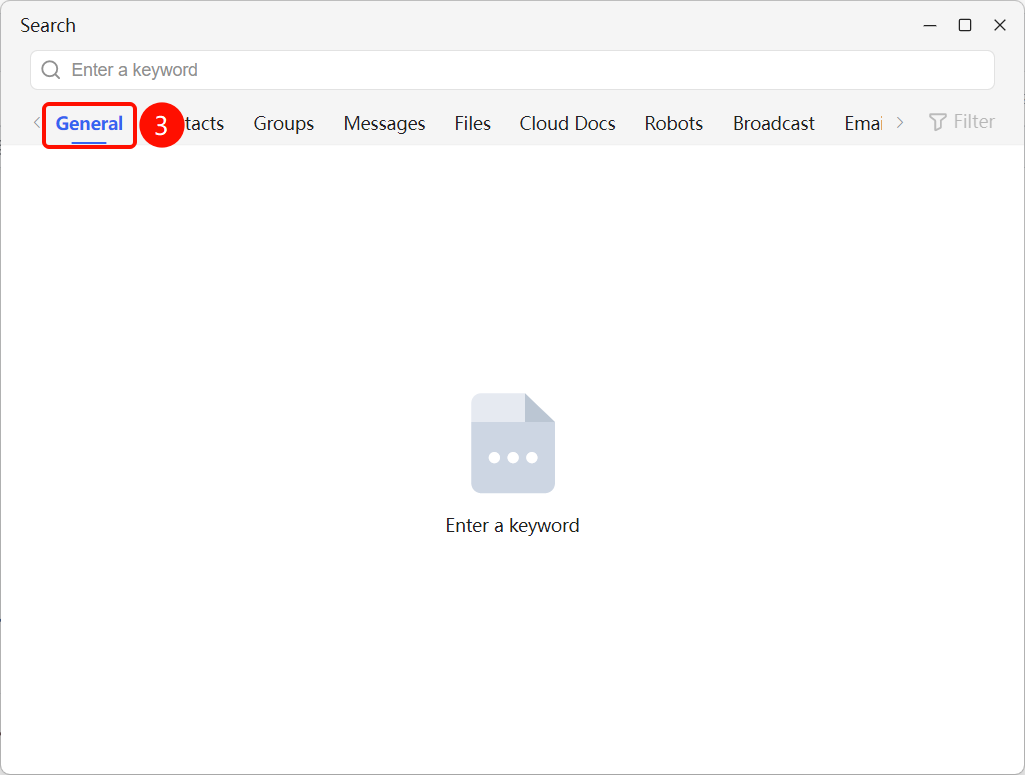
- In the drop-down menu, click 「Search More」 to enter the search page
- The search page displays the 「Comprehensive」 tab by default
- Enter keywords in the search input box to search for matching content within the organization. Search results are displayed grouped by type.
FAQ
Q1: Does searching chat history support filtering by time?
- Solution: Supports filtering search results by sender and send time.
Notes
- The 「Filter」 feature is provided in the upper right corner of the search page to further refine search criteria.