Feature Summary
In the top global search bar, click "Search More" to enter the search page, then switch to the "Chat History" tab to search chat records generated across all conversations. Results are displayed grouped by conversation.
Feature Description
| Feature Dimension | Description |
|---|---|
| Membership Restriction | No membership restriction |
| Version Restriction | No version restriction |
Steps
Search Chat History
Feature Entry
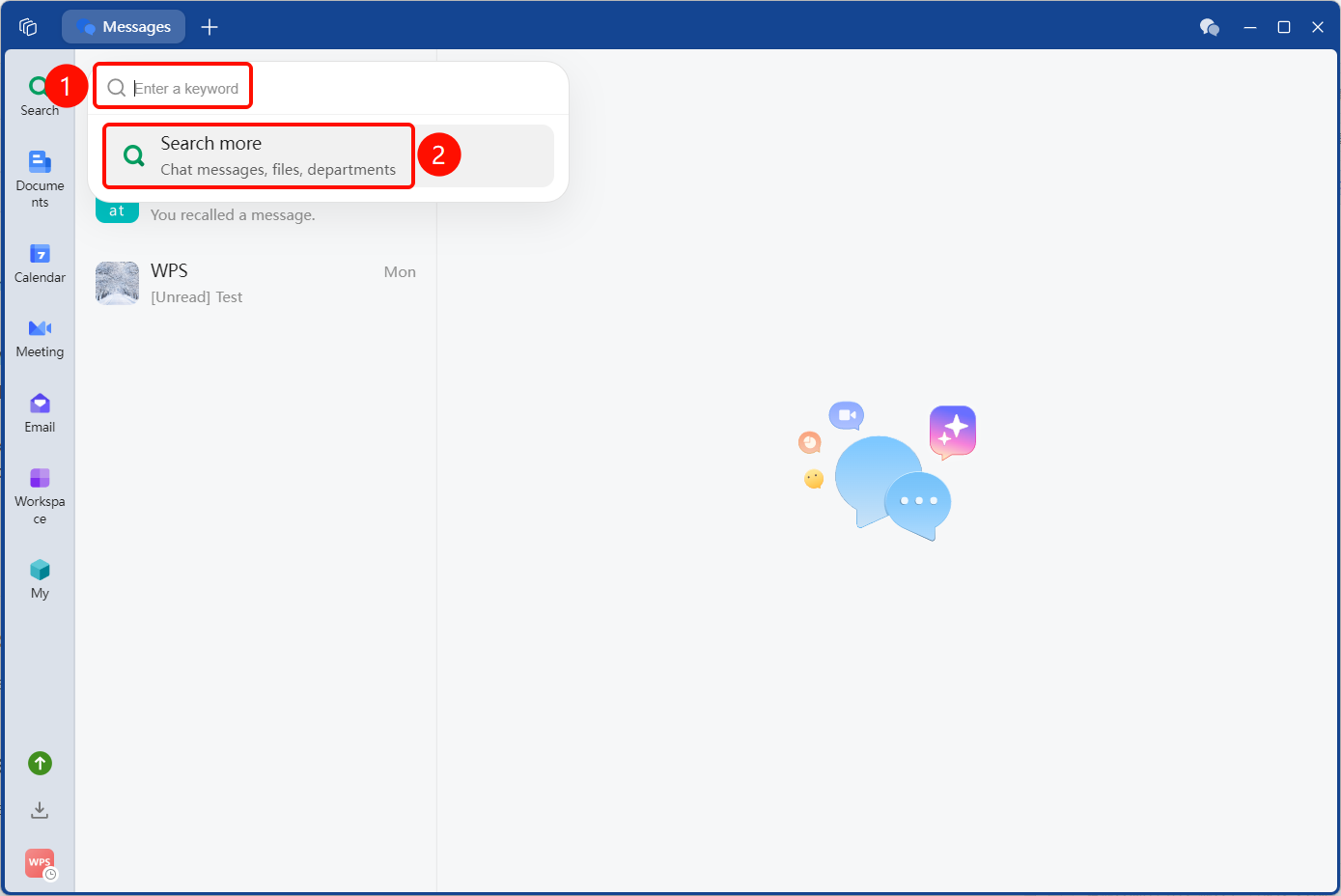
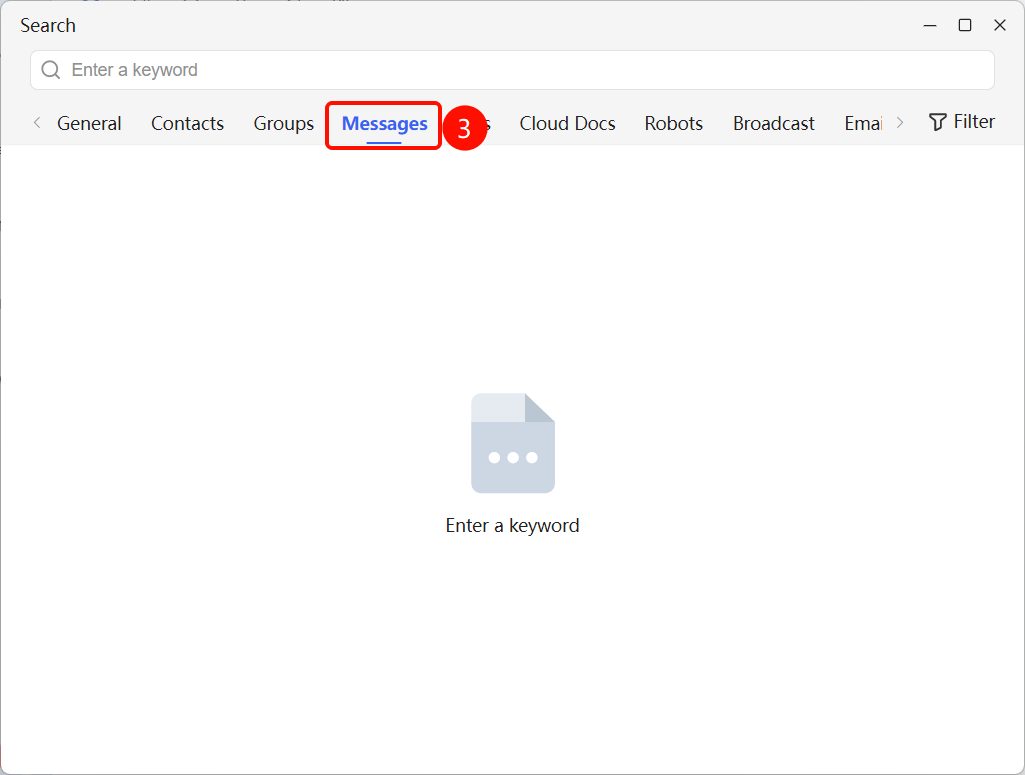
"Top Global Search Bar" input box → "Search More" option → "Messages" tab
- Click the search bar at the top left
- In the dropdown menu, click "Search More" to enter the search page
- In the tab bar at the top of the search page, find and click the "Messages" tab to switch to the chat history search view
- Enter keywords in the search input box to search matching chat records across all conversations. Search results are displayed grouped by conversation.
FAQ
Q1: Can both Cloud messages and local messages be searched?
- Solution: Both locally cached historical messages and Cloud-stored historical messages are supported and can be searched.
Q2: Can recalled messages be searched?
- Solution: Recalled messages will not appear in search results.
Notes
- Search is limited to the "Chat History" tab after entering the search page via the "Search More" entry.
- Search result security follows permission configurations; visibility varies for different users.
- Search results support directly entering a conversation to view message context.